

Last updated: 21 October 2026
Short answer: since 28 April 2026, new laptops in the EU must be able to charge via USB-C, and you may buy them without a charger. Check the box or specifications to see how many watts your laptop requires. For lightweight laptops, a USB-C Power Delivery charger of 45W is usually enough; heavy laptops for gaming or video editing often need 65W or more.
A laptop without a charger in the box: since this year, that is no longer an exception. The EU wants to reduce electronic waste, because most people already have a USB-C charger at home. But does it also work for your laptop? And what do you buy if you do not have one yet?
What has changed?
Since 28 December 2024, USB-C has been the mandatory charging port in the EU for phones, tablets, cameras, and other devices. Since 28 April 2026, this also applies to new laptops. Stores must also give you the option to buy a device without a charger.
The packaging has a label showing whether a charger is included and how much power the device needs.
How many watts does my laptop need?
| Laptop type | Typical power | Recommendation |
|---|---|---|
| Chromebook, lightweight ultrabook | 30 to 45W | 45W charger |
| Lightweight laptop for work and school | 45 to 65W | 45W for normal use, 65W for heavy work |
| Gaming or workstation laptop | 100W or more | the manufacturer’s original charger |
Guideline. Always check what your laptop’s manufacturer recommends.
What happens if the charger has fewer watts?
That is not dangerous. A USB-C charger with Power Delivery communicates with your laptop to determine how much power can be delivered. If the charger has fewer watts than your laptop would like, then:
- charges the laptop more slowly;
- it only maintains its charge level during heavy use;
- gives some laptops a “slow charger” notification.
For email, browsing, videos, and office work, 45W is more than enough for most lightweight laptops.
One charger for your laptop, phone, and tablet
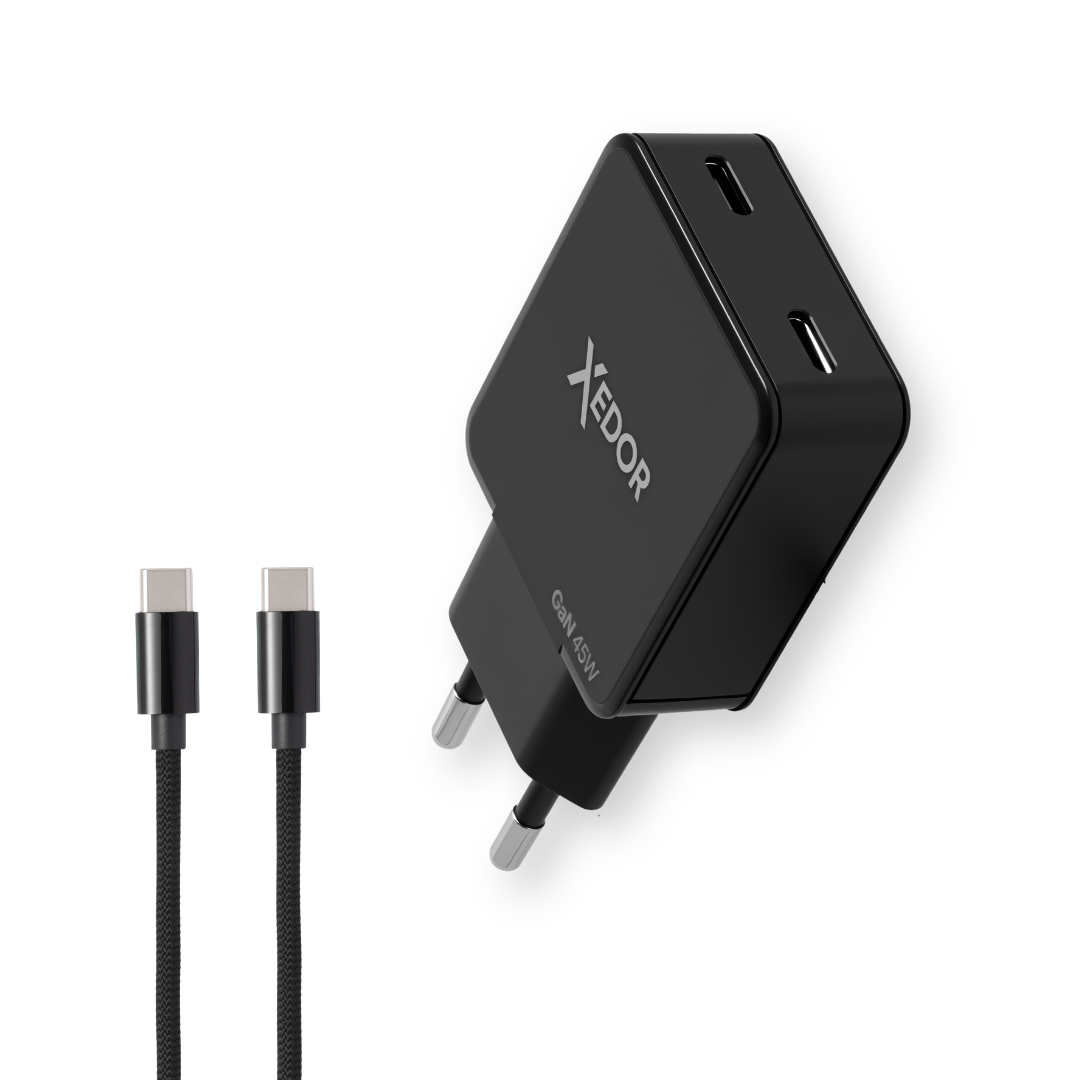
The Xedor Charge 45W charges most lightweight USB-C laptops, while the second port lets you charge your phone at the same time. Includes a 2-meter braided USB-C cable (60W), compact thanks to GaN technology.
What should you look for in a USB-C laptop charger?
- USB Power Delivery (PD): without PD, a laptop will not charge via USB-C.
- The right port: not every USB-C port on a laptop can charge. Look for a plug or lightning bolt symbol.
- The cable: a standard USB-C cable can handle up to 60W. For more than 60W, you need a cable that supports 5A.
- Two ports: convenient, but the power is divided between them. Preferably charge your laptop alone or with a phone alongside it.
- Size: GaN chargers are smaller and generate less heat.
Can I use my phone charger?
Often, but slowly. A 20W phone charger can charge a laptop that is turned off or in sleep mode. During use, 20W is too little for most laptops. Also read which charger you need for your phone.
Frequently asked questions
Is 45W enough for my laptop?
For most lightweight laptops and Chromebooks, yes. For demanding tasks such as gaming or video editing, 45W may not be enough; the laptop will then charge more slowly or merely maintain its charge level.
Can a charger that is too powerful damage my laptop or phone?
No. With Power Delivery, a device only draws as much power as it can handle.
Do I need to buy a charger with a new laptop?
Only if you do not already have a suitable USB-C charger. Check the power rating on the packaging label.
Does the charger also work with a MacBook?
MacBooks with USB-C charge via Power Delivery. A lightweight MacBook Air charges at 45W; larger MacBook Pro models require more power.
Conclusion
A laptop without a charger is not a problem, as long as you know how many watts it needs. For lightweight laptops, a 45W USB-C PD charger is the most convenient choice because you can also use it to charge your phone and tablet.
View all chargers or read more in USB-C explained.

Share via:
Chromecast discontinued: what is the best alternative?