Last updated: September 30, 2026
Short answer: you can make an old TV smart with a TV dongle or streaming box that you plug into the HDMI port. You only need an available HDMI input, power for the dongle, and WiFi. After that, you can watch Netflix, YouTube, NPO Start, or Videoland through the dongle instead of your TV's software. This also works on TVs that are ten years old.
A TV often lasts longer than the software on it. The picture is still fine, but apps become slow, stop receiving updates, or disappear altogether. In that case, there is no need to buy a new TV. With a small dongle, you only replace the "smart" part.
When is a TV dongle the solution?
- Your TV has no apps at all (not a smart TV).
- Your TV does have apps, but they are slow or keep crashing.
- An app you use, such as Videoland or NPO Start, is no longer available in your TV's app store.
- You want to use a projector or monitor as a TV.
In all these cases, your screen will continue to work normally. You are only replacing the software.
What do you need?
| Needed | Why |
|---|---|
| Available HDMI port | This is where the dongle goes. Virtually every flat-screen TV has HDMI. |
| Power | Via your TV's USB port or, more reliably, via a separate adapter plugged into a wall outlet. |
| WiFi | For streaming. The more stable the connection, the better the picture. |
| Accounts | For Netflix, Disney+, or Videoland, use your own subscription. |
How to connect a TV dongle in 5 steps
- Plug the dongle into an available HDMI port on your TV.
- Connect the power cable to your TV's USB port or to an adapter plugged into a wall outlet.
- Use your TV's remote control to select the correct HDMI input (for example, HDMI 2).
- Pair the dongle's remote control and connect to your WiFi.
- Log in to your apps and you can start watching.
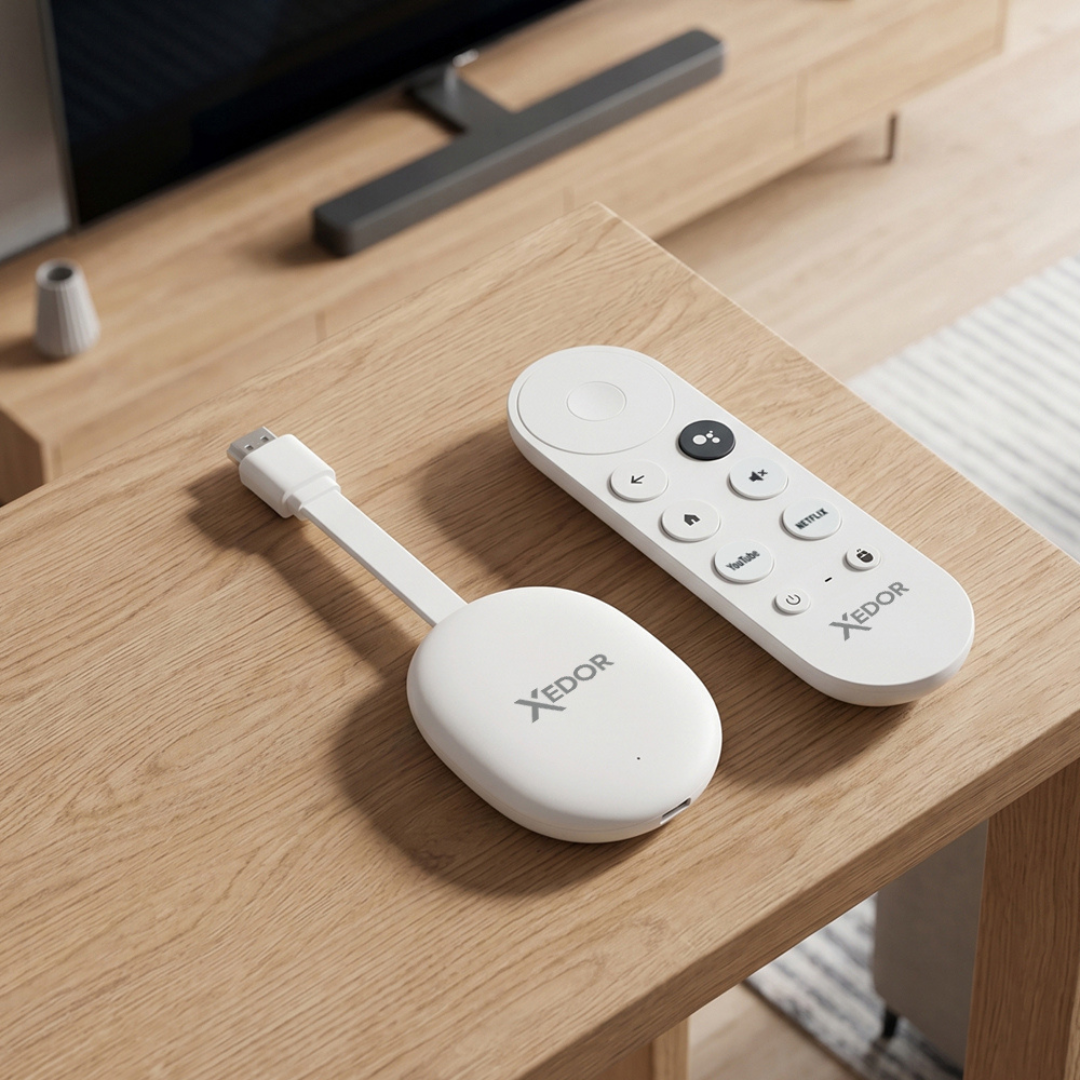
With the Xedor Streamr, pair the remote control by holding down OK and volume down until the light flashes. The setup will then guide you through the process step by step.
Xedor Streamr: make your old TV smart again
- Netflix, YouTube, Videoland, NPO Start, Disney+, Prime Video, Ziggo GO, KPN TV+, and more are already included
- WiFi 6, Android 12, remote control with voice button
- Cast from your phone via Miracast, DLNA, and AirPlay
- Dutch software with remote updates
Which apps can you use?
That depends on the dongle. Pay particular attention to Dutch apps: NPO Start, Videoland, NLZIET, Ziggo GO, and KPN TV+ are not available on every streaming device. So check before you buy whether your apps are supported.
The Xedor Streamr already has them ready, along with Netflix, YouTube, Disney+, Prime Video, HBO Max, Viaplay, Spotify, and the Google Play Store for additional apps.
Can you get 4K picture on an old TV?
Only if your TV itself is 4K. A Full HD TV displays Full HD, even if the dongle can output 4K. If you do have a 4K TV, pay attention to two things:
- Use an HDMI port that supports 4K (often marked 4K or HDMI 2.0).
- Not every streaming service offers 4K. Netflix, Disney+, and Prime Video provide 4K only on devices with special certification. On the Streamr, YouTube plays in up to 4K and the other services in up to 1440p.
Tips for a stable picture
- Power from a wall outlet: the USB port on some TVs does not provide enough power or switches off when the TV is turned off. If the dongle often restarts, use a separate adapter, such as the Xedor Charge 20W with a USB-C cable.
- 5 GHz Wi-Fi: faster when the router is nearby. 2.4 GHz reaches farther through walls.
- HDMI extension cable: if the HDMI port is positioned tightly against the wall, a short extension cable provides more space and a better Wi-Fi signal.
TV dongle or new TV?
If your screen still works well, a dongle is almost always the most affordable choice. A new TV only makes sense when the picture itself is no longer good enough, for example if you want a larger screen or 4K.
Frequently asked questions
Does a TV dongle work on every TV?
On virtually any TV, monitor, or projector with an HDMI port. TVs without HDMI (SCART only) need an additional converter.
Do I need a subscription?
Not for the dongle itself. For paid services such as Netflix, Videoland, or Disney+, you use your own subscription. YouTube and NPO Start are (partly) free.
Can I also put photos or videos from my phone on the TV?
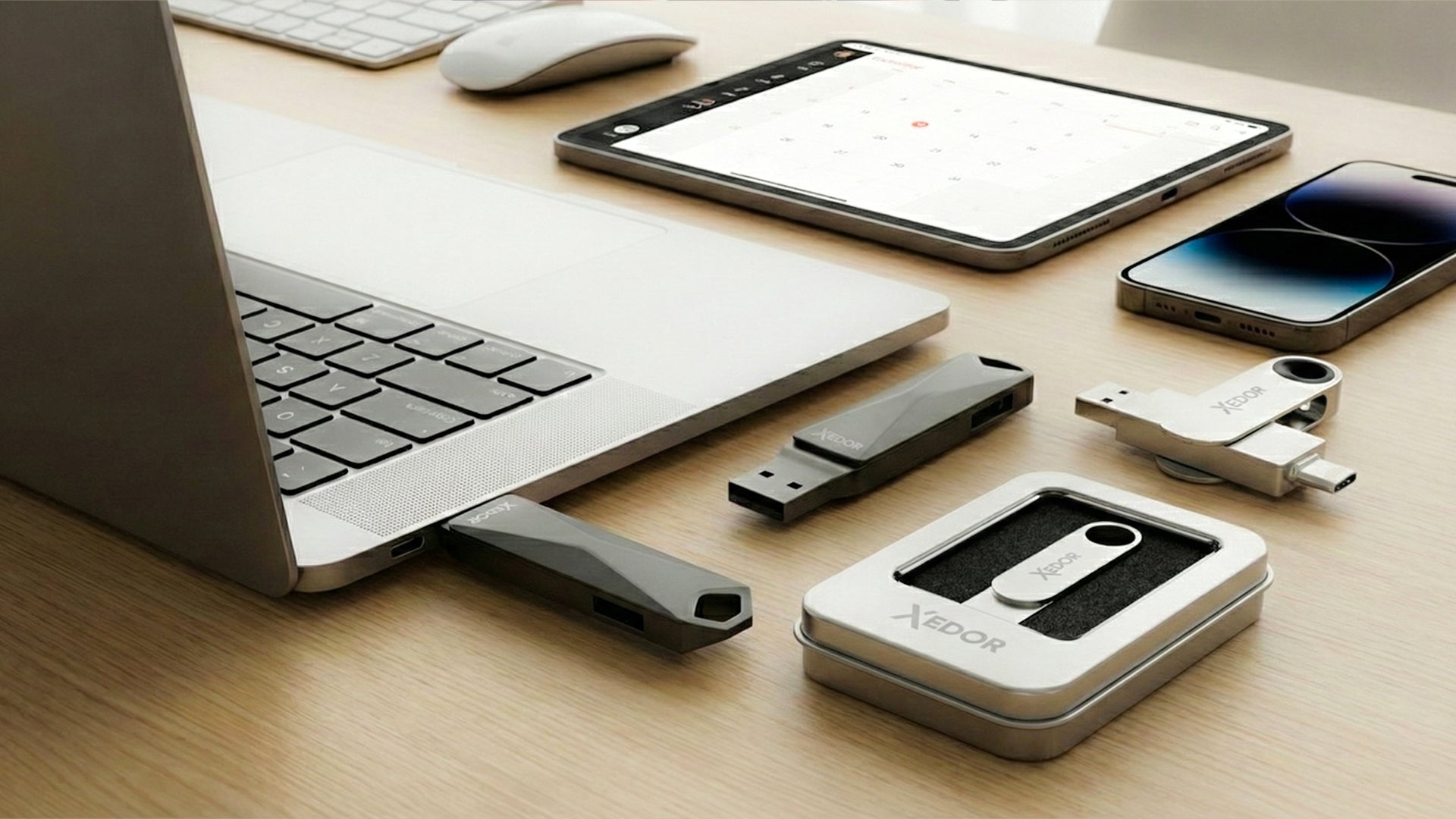
Yes. The Streamr supports Miracast, DLNA, and AirPlay, so you can send photos, videos, and presentations from your phone or laptop to the big screen. You can also use a USB flash drive with photos; read which file system your TV recognizes.
Will my old remote control still work?
For turning your TV on and off and adjusting the volume, yes. You control the apps with the dongle’s remote control.
Conclusion
An old TV does not need to be replaced as long as the picture is good. With a TV dongle in the HDMI port, you can get all the familiar apps back within a few minutes. Choose a dongle that supports the Dutch apps you use, and preferably power it from a wall outlet.
View the Xedor Streamr or our selection of TV and streaming products. Installation help can be found in our manuals.
Share via:
What storage capacity do you need: 32 GB, 64 GB, 128 GB, 256 GB, 512 GB, or 1 TB?