

Last updated: 30 September 2026
Short answer: for documents and schoolwork, 32 or 64 GB is enough. For daily use with photos and occasional video, 128 or 256 GB offers the best balance between price and space. If you work with 4K video, large projects or full backups, choose 512 GB or 1 TB, preferably with a high write speed.
USB flash drives are available in an increasing range of storage capacities. For a few documents, 32 GB is often more than enough, while video projects, large photo collections and extensive backups can use hundreds of gigabytes.
The largest capacity is not automatically the best choice. It is mainly about how many files you want to store and what type they are. In this blog, we compare 32 GB, 64 GB, 128 GB, 256 GB, 512 GB and 1 TB.
How much fits on a USB flash drive? (indicative)
| Capacity | Photos (approx. 4 MB) | 4K video (30 fps) | Suitable for |
|---|---|---|---|
| 32 GB | approx. 7,000 | approx. 3 hours | documents, music |
| 64 GB | approx. 15,000 | approx. 6 hours | school, home use |
| 128 GB | approx. 30,000 | approx. 12 hours | photos and daily use |
| 256 GB | approx. 60,000 | approx. 24 hours | photo archive, projects |
| 512 GB | approx. 120,000 | approx. 48 hours | video, large backups |
| 1 TB | approx. 240,000 | approx. 90 hours | professional use |
Indicative values based on photos of approximately 4 MB and 4K video with HEVC compression of approximately 170 MB per minute, a common setting on smartphones. Actual figures vary by camera, resolution and settings.
What determines how much storage space you need?
The required capacity is mainly determined by:
- the type of files;
- the average file size;
- how many files you want to keep;
- whether the USB flash drive is used temporarily or for a long time;
- how much extra space you want to leave for future files.
A text document uses hardly any storage space. Photos, audio files and especially videos are considerably larger. The exact file size also varies depending on resolution, file format, camera settings and compression.
When should you choose 32 GB?
A 32 GB USB flash drive is suitable for light and occasional use.
Suitable for:
- Word, Excel and PDF files;
- presentations;
- school or work documents;
- a limited photo collection;
- music for a car stereo;
- transferring smaller folders.
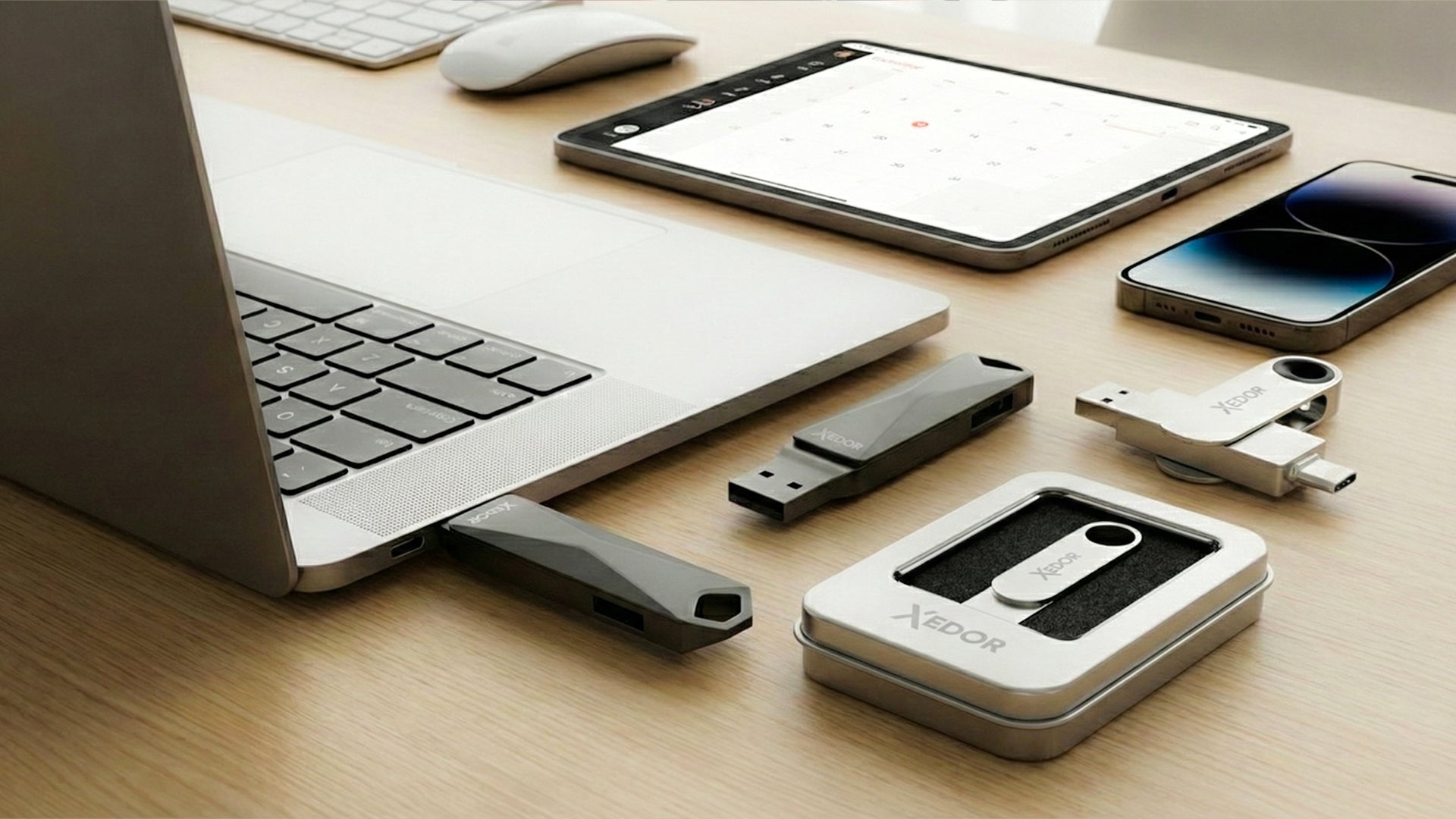
32 GB is particularly practical when you do not store large video files and regularly empty the drive. The Xedor Base is available from 32 GB, with USB-C and USB-A on a single drive.
When should you choose 64 GB?
64 GB provides more space for mixed daily use. This capacity is suitable when you regularly store photos, music or short videos in addition to documents.
Suitable for:
- large numbers of documents;
- photo collections;
- music libraries;
- holiday files;
- normal home or study use.
The Xedor Base 64 GB has both USB-C and USB-A, so you can use it with your phone and computer without an adapter.
When should you choose 128 GB?
128 GB is a versatile capacity for everyday use. There is enough space for a combination of documents, photos, videos, and backup folders.
Suitable for:
- large photo collections;
- regular file transfers between phone and computer;
- work and school projects;
- a selective backup of important folders;
- use by photographers and content creators.
For many consumers, 128 GB offers a good balance between capacity, price, and practical use.
When should you choose 256 GB?
256 GB is suitable for users who regularly work with larger files or want to store files on the same USB flash drive for longer periods.
Suitable for:
- extensive photo archives;
- large amounts of video;
- business project folders;
- large exports and installation files;
- multiple backup folders.
Choose the Xedor Base 256 GB for everyday use. If you often copy large files, the Xedor Plus 256 GB with read speeds of up to 3200 Mbps (USB 3.2 Gen 1) is the faster choice.
Not sure? This is what most customers choose
The Xedor Base is our most popular USB flash drive: USB-C and USB-A in one, available from 32 GB to 1 TB, in silver and gray.
When should you choose 512 GB?
With 512 GB, not only capacity but also speed becomes more important. Copying hundreds of gigabytes over a slow USB connection can take a lot of time.
Suitable for:
- 4K video and large media files;
- professional photography;
- large design and project files;
- extensive local archives;
- large backups.
The Xedor Base 512 GB offers plenty of space at a competitive price. If you often work with large video files, also consider the faster Xedor Plus or Xedor Pro.
When should you choose 1 TB?
A 1 TB USB flash drive is especially suitable for intensive or professional use. You can carry large amounts of data without using a larger external drive.
Suitable for:
- large video and photo projects;
- professional files and exports;
- large media collections;
- extensive archives;
- regular transport of large datasets.
The Xedor Pro 1 TB combines high capacity with USB-C and USB-A and read speeds of up to 4400 Mbps via USB 3.2 Gen 2. If you mainly need a lot of space, the Xedor Base 1 TB is the most affordable alternative.
Why is speed more important with a larger capacity?
A flash drive with a lot of storage is often used for larger files. This makes the difference between a slow and a fast USB flash drive more noticeable.
So do not look only at the number of gigabytes, but also at:
- the USB version;
- the stated read speed;
- the stated write speed;
- the speed of the port on your computer or phone;
- the type of files you are copying.
The final speed is determined by the slowest link in the connection.
Why do you see slightly less free space?
After connecting it, the capacity appears lower than the number on the packaging. For example, a 1 TB stick shows approximately 931 GB in Windows. This is because manufacturers calculate using 1 GB = 1,000,000,000 bytes, while Windows calculates using 1.073.741.824 bytes per ‘GB’. In addition, the file system itself uses a small portion of the storage.
This is normal and does not mean that storage space is missing.
Which file system do you need?
For large files, the formatting of the USB stick is important. FAT32 does not support individual files of approximately 4 GB or larger. exFAT is therefore often more suitable for large videos and use on both Windows and Mac.
Read more about this in our blog FAT32, exFAT, or NTFS: which file system should you choose?
More capacity is not a replacement for a backup
A 512 GB or 1 TB USB stick can also become damaged, be lost, or be accidentally erased. Therefore, never store important files exclusively on a single storage device.
Read our explanation of how to make a good backup of your photos and files.
Frequently asked questions
Is 64 GB enough for a USB stick?
It is enough for documents, music, and a sizeable photo collection. If you want to regularly store videos or complete backups, 128 or 256 GB is more practical.
How many photos fit on 128 GB?
Approximately 30,000 photos of 4 MB each on average. With high-resolution or RAW photos, the number is considerably lower.
What is better: one large USB stick or two smaller ones?
Two sticks are safer for backups because you are not dependent on a single device. For carrying large projects, one large stick is more convenient.
Why does my 256 GB USB stick show only 238 GB?
Windows calculates in binary units, while manufacturers use decimal units. 256,000,000,000 bytes is approximately 238 ‘GB’ in Windows. So nothing is missing.
Which capacity is best for you?
- 32 GB: documents and light use;
- 64 GB: documents, photos, and music;
- 128 GB: versatile everyday use;
- 256 GB: larger photo, video, and project folders;
- 512 GB: large media files and professional use;
- 1 TB: very large archives, datasets, and projects.
Conclusion
The right storage capacity depends on your files and how you use them. For documents, 32 or 64 GB may be sufficient. For a combination of photos, videos, and backups, 128 or 256 GB is often more practical. If you work with large video and project files, 512 GB and 1 TB offer more space.
View all available capacities in our range of Xedor USB sticks.
Share via:
How do you make a good backup of your photos and files?
Make an old TV smart: how to turn any TV into a smart TV