

Last updated: September 30, 2026
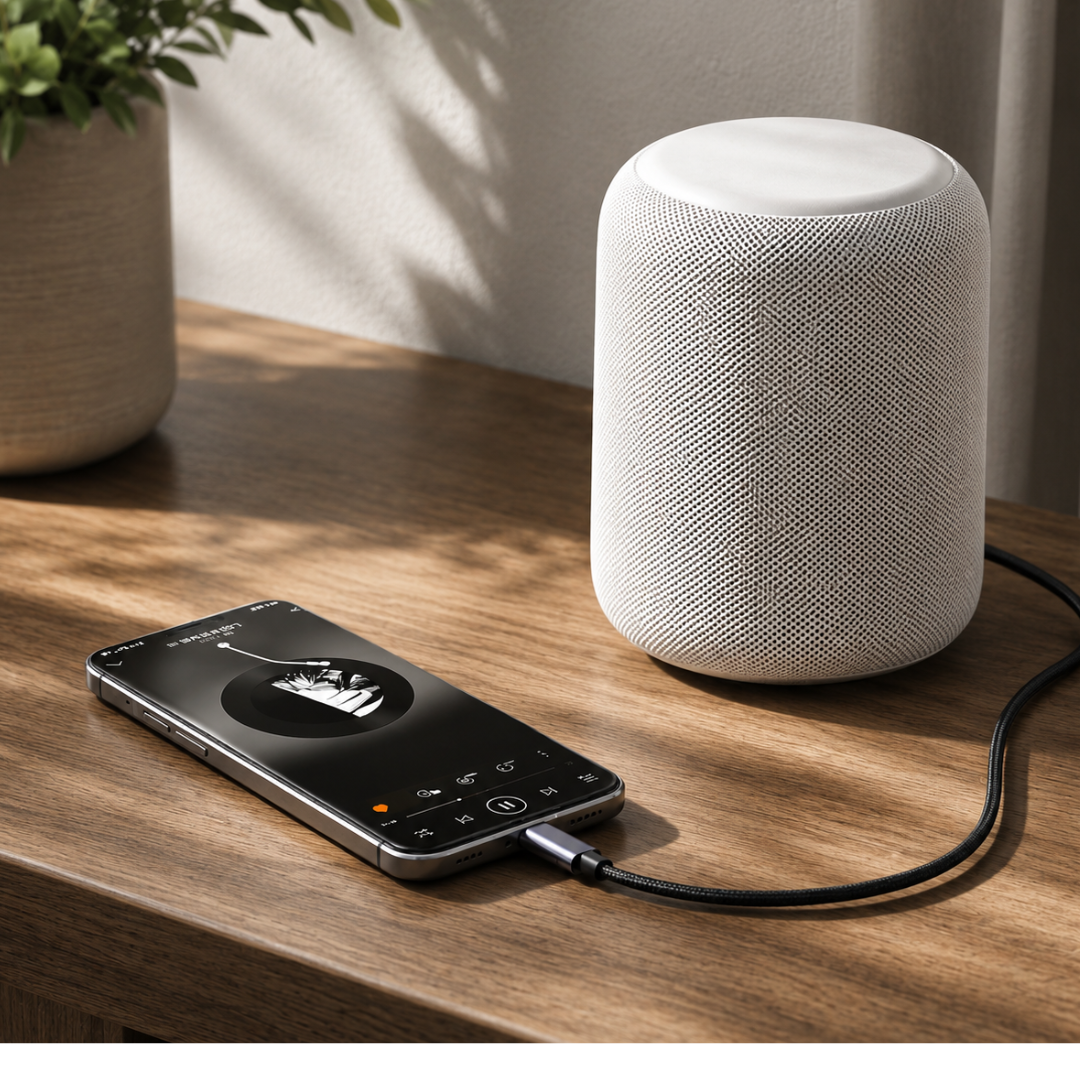
Short answer: if your USB-C-to-AUX adapter is not working, it usually lacks a built-in DAC chip, the plug is not fully inserted into the port, the audio source is set incorrectly (for example, it is still connected via Bluetooth), or your phone does not support the adapter. Modern smartphones send digital audio via USB-C, so you need an adapter or cable with a DAC, such as the Xedor Audio USB-C to AUX adapter.
More and more smartphones and tablets no longer have a traditional 3.5mm headphone jack. A USB-C-to-AUX adapter or cable then seems like a simple solution. Yet it regularly happens that no sound plays after connecting it.
That does not necessarily mean the adapter is defective. USB-C audio works differently from a regular analog headphone connection. In this blog, we explain what can go wrong and how to check the connection step by step.
Why isn't USB-C to AUX just an adapter?
A regular AUX connection uses an analog audio signal. USB-C, on the other hand, can transmit digital audio data. To make that digital information audible through headphones, a car stereo, or a speaker, the signal must be converted.
A DAC is used for this. DAC stands for digital-to-analog converter: a chip that converts digital audio into an analog audio signal.
In a suitable USB-C-to-AUX adapter, this DAC is located in the adapter or cable. A simple passive adapter without a DAC does not work with every device. The Android specification for USB-C-to-analog audio therefore assumes a digital adapter with built-in conversion.
Check whether the adapter has a built-in DAC
Not every adapter that looks the same works in the same way. Some inexpensive adapters only pass through an existing analog signal. This works only when the phone itself supports analog audio via USB-C.
Many modern smartphones transmit digital USB audio. For that, you need an adapter or cable with a built-in DAC.
The Xedor USB-C-to-AUX adapter features an integrated DAC and converts digital USB-C audio into an analog 3.5mm signal. It also supports headset microphones and is suitable for, among others, the iPhone 15, 16, and 17 and Android smartphones with USB-C.
Adapter or cable: which one do you need?
USB-C-to-AUX adapter
An adapter has USB-C on one end and a female 3.5mm jack on the other. You can connect an existing pair of headphones, earbuds, or AUX cable to it, for example.
This is the most flexible solution when you want to continue using different headphones and audio cables.
USB-C-to-AUX cable
A USB-C-to-AUX cable has USB-C on one end and a male 3.5mm plug on the other. You connect it directly to, for example:
- the AUX input of a car;
- a speaker;
- an amplifier;
- a music system.
See the Xedor USB-C-to-AUX cable.
Make the right choice quickly
- Headphones, earbuds, or headset? Choose the adapter.
- Car, speaker, or amplifier? Choose the cable.
Step 1: check the connection
Disconnect the adapter or cable and reconnect it firmly. A phone case can sometimes prevent the USB-C plug from being inserted fully into the port.
Also check whether there is dust or lint in the USB-C port. Do not use metal or sharp objects to clean the port.
Step 2: check the volume and audio output
Turn up the volume on both the smartphone and the connected audio device. With a car stereo or speaker, the correct input must also be selected, such as AUX, Line In, or Audio In.
Is the phone still connected to Bluetooth headphones, a speaker, or a car system? Temporarily turn off Bluetooth. The device may still be sending the audio to the wireless connection.
Step 3: check whether your device supports digital USB audio
Most modern smartphones with USB-C support digital USB audio, but the exact functionality varies by brand and model.
For USB-C audio devices, Google advises checking, for example:
- whether the device supports USB-C digital audio;
- whether USB audio needs to be enabled in the settings;
- whether the phone's software is up to date;
- whether calls and microphone use are supported.
If in doubt, check the technical specifications of your smartphone or tablet.
Step 4: test the components separately
Try to determine which component is causing the problem:
- Test the headphones or AUX cable on another device.
- Test the USB-C adapter on a second phone or tablet.
- Use different headphones or a 3.5mm cable.
- Check whether the problem occurs in multiple apps.
If one combination works and another does not, there is probably a compatibility or cable problem.
Step 5: restart and update your device
USB audio devices are recognized by the operating system. A temporary software error may prevent the adapter from being detected correctly.
Therefore, restart your phone or tablet and check whether a software update is available. After restarting, connect the adapter again.
Does the microphone also work through the adapter?
Using a microphone requires support for audio input. In addition, the connected headphones must have a suitable four-pole TRRS plug with a microphone.
A standard three-pole TRS plug only carries stereo audio and does not have a separate contact for a microphone.
The phone, app, and adapter must also support microphone use. Therefore, music may work while calls or control buttons are not fully supported.
USB-C to AUX in the car
Are you using the connection in the car? Then check whether the 3.5 mm connection is actually an AUX input. Some connections are intended only for a microphone, service function, or audio output.
Select the AUX source manually in the infotainment system. Then increase both the phone's volume and the car's volume.
Do you hear a buzzing or humming sound while your phone is charging at the same time in the car? This is often caused by a so-called ground loop between the car charger and the audio system. First, test without the charger. If the sound disappears, the adapter is not the cause.
Frequently asked questions
Does a USB-C-to-AUX adapter work with the iPhone 15, 16, and 17?
Yes. iPhones with USB-C support USB-C audio adapters with a built-in DAC. The Xedor Audio adapter and cable are suitable for the iPhone 15, 16, and 17. Older iPhones with a Lightning connector require a Lightning adapter.
How do I know if my adapter has a DAC?
Check the product specifications or packaging for mentions such as "DAC", "digital audio", or "digital-to-analog converter". If nothing is mentioned and the adapter is very inexpensive, it is often a passive adapter that only works with phones that transmit analog audio via USB-C.
Why does music work, but calls do not?
For calls, you need a headset with a four-pole TRRS plug, and the phone, app, and adapter must support microphone use. A standard three-pole plug only transmits sound.
Can I use USB-C to AUX in any car?
Only if your car has an AUX input (3.5 mm). If your car only has Bluetooth or USB, you do not need a USB-C-to-AUX cable.
Conclusion
When USB-C to AUX does not work, it is often due to the absence of a DAC, an incompletely connected plug, an incorrect audio source, or limited device support.
That is why you should use an adapter or cable with an integrated DAC and always check the compatibility of your phone, tablet, headphones, and audio device. View our full range of audio cables and adapters.
Also read: USB-C explained: what can you use it for and which accessories do you need? For specific product information, please see our digital manuals.
Share via:
Transfer photos from an SD card to your phone, tablet, or laptop
FAT32, exFAT, or NTFS: which file system should you choose for a USB flash drive?