
Last updated: September 30, 2026
Short answer: choose exFAT for a USB flash drive you use on both Windows and Mac and on which you store files larger than 4 GB. Choose FAT32 if the drive must work with older devices such as a TV, car stereo, or printer and you do not have individual files larger than 4 GB. Choose NTFS only if you use the drive exclusively with Windows.
A USB flash drive can have enough free space and still report that a file is too large. A drive may also work flawlessly on Windows but be read-only on a Mac or not be recognized by a television at all.
In many cases, this is not caused by the USB flash drive but by the file system. FAT32, exFAT, and NTFS determine how files are organized on the storage device and which devices can work with them.
FAT32, exFAT, and NTFS at a glance
| FAT32 | exFAT | NTFS | |
|---|---|---|---|
| Max. file size | approx. 4 GB | practically unlimited | practically unlimited |
| Windows | read and write | read and write | read and write |
| Mac | read and write | read and write | read-only by default |
| TV, car, older devices | most compatible | often, not always | limited |
| Best for | music, documents, old equipment | large files, Windows + Mac | Windows only |
What is a file system?
A file system is the structure used by a device to store and retrieve files and folders on a storage medium. Without a file system, a computer cannot organize free space in a usable way.
The most common file systems for USB flash drives and memory cards are FAT32, exFAT, and NTFS. Each format has its own advantages, limitations, and compatibility.
What is FAT32?
FAT32 is an older but widely supported file system. It works on virtually all Windows and Mac computers and is also often recognized by televisions, car stereos, printers, game consoles, and other equipment.
The main disadvantage is the maximum file size. A single file on FAT32 may be approximately 4 GB at most.
A folder containing multiple files may exceed 4 GB in total. The limitation applies to each individual file. Therefore, a 6 GB video file cannot be placed on a FAT32 drive, even if the drive still has tens of gigabytes of free space.
FAT32 is suitable for:
- small documents and photos;
- music for a car stereo;
- older equipment;
- devices that support only FAT32;
- SDHC memory cards up to and including 32 GB.
What is exFAT?
exFAT was developed as the successor to FAT32 and supports much larger files and storage devices. It works natively on modern Windows and Mac computers, making it often the most practical choice for a USB flash drive used on both systems.
exFAT is suitable for:
- large video files;
- photo and video projects;
- transfers between Windows and Mac;
- High-capacity USB flash drives;
- SDXC memory cards larger than 32 GB.
Not every older device supports exFAT. Therefore, check the manual when you want to use the drive in a television, car, camera or game console.
What is NTFS?
NTFS is the standard file system for many internal Windows drives. It supports large files and includes additional features for security, access permissions and recovery.
For a USB flash drive that is mainly used with Windows computers, NTFS can be a suitable choice.
However, compatibility with other devices is more limited. macOS can generally read an NTFS drive, but without additional software it cannot write to the drive by default. Many televisions, car stereos and mobile devices also do not fully support NTFS.
NTFS is suitable for:
- use that takes place almost exclusively on Windows;
- large files;
- Windows backups;
- uses where Windows features such as access permissions are important.
Which file system should you choose?
Use FAT32 when:
You need maximum compatibility with older devices and do not use individual files larger than 4 GB.
Use exFAT when:
You want to store large files and use the USB flash drive on both Windows and Mac. For general modern use, exFAT is often the most practical choice.
Use NTFS when:
You use the USB flash drive or disk exclusively with Windows and need specific Windows functionality.
Why does Windows say that the file is too large?
The message ‘The file is too large for the destination file system’ usually means that the drive is formatted as FAT32 and that the file is larger than approximately 4 GB.
This is unrelated to the total amount of free storage space. A 128 GB USB flash drive can therefore also display this message.
The solution is usually to reformat the USB flash drive as exFAT or NTFS.
Note: formatting deletes all files stored on the USB flash drive. Always copy important data to another location first. You can find out how to do this properly in our blog about creating a good backup of your photos and files.
Formatting a USB flash drive on Windows
- Connect the USB flash drive to the computer.
- Open File Explorer.
- Right-click the USB flash drive.
- Choose ‘Format’.
- Select FAT32, exFAT or NTFS.
- Make sure all important files are stored elsewhere.
- Start formatting.
Formatting a USB flash drive on Mac
- Connect the USB flash drive.
- Open Disk Utility.
- Choose ‘View’ and then ‘Show All Devices’.
- Select the USB flash drive.
- Click ‘Erase’.
- Choose MS-DOS (FAT) for FAT32 or exFAT for exFAT.
- Confirm that you want to erase the drive.
Apple recommends MS-DOS (FAT) for a drive of 32 GB or less that needs to work with Windows, and exFAT for larger drives.
A USB flash drive that works with all your devices
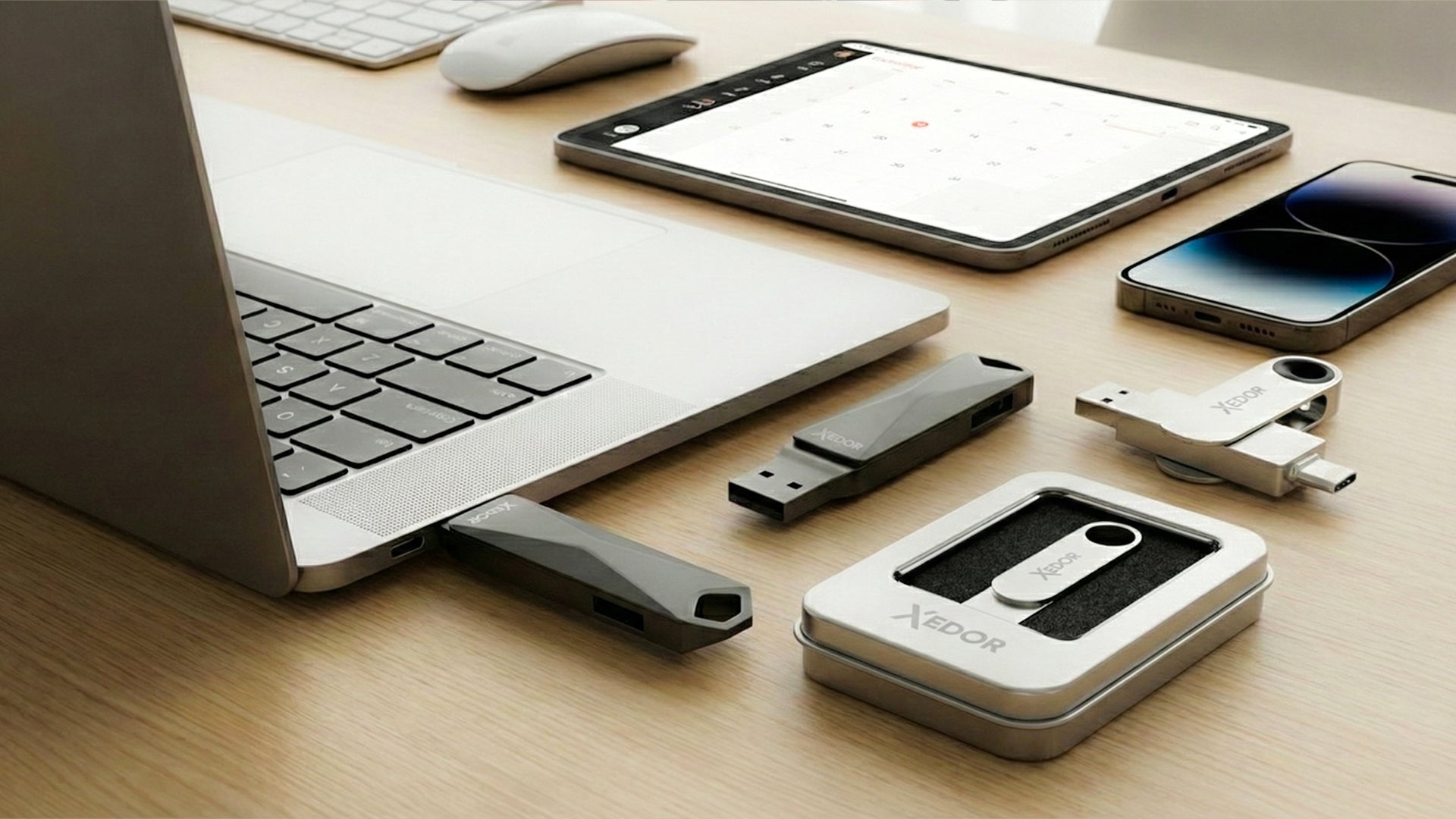
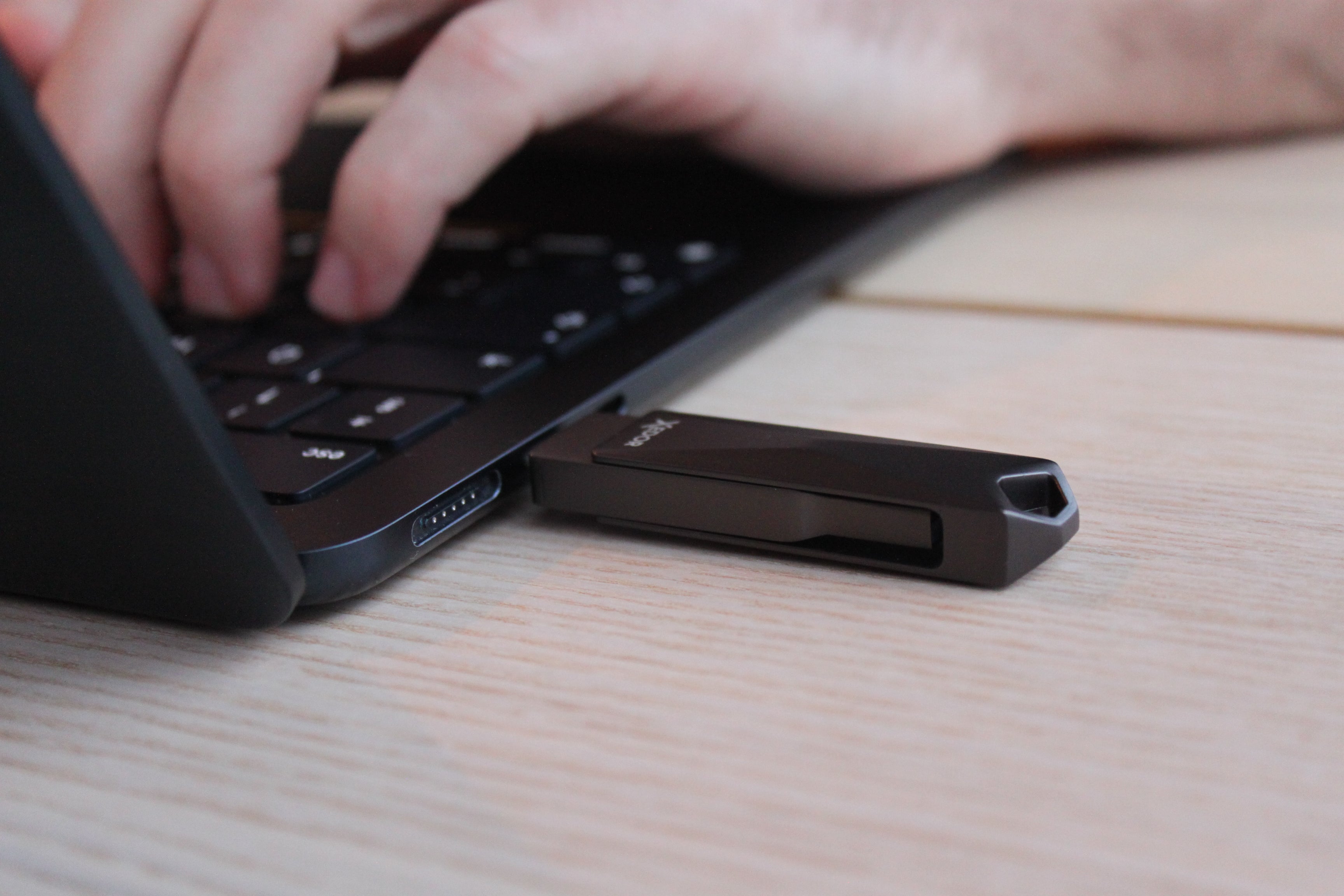
The Xedor Base has USB-C and USB-A, so you can use it on your phone, laptop, PC, TV and car stereo without an adapter. Available from 32 GB to 1 TB, in silver and gray.
What about SD and microSD cards?
The SD Association links the standard formatting to capacity:
- SDHC from more than 2 GB up to and including 32 GB uses FAT32;
- SDXC from more than 32 GB up to and including 2 TB uses exFAT.
For memory cards, it is advisable to use the camera's formatting function or the official SD Memory Card Formatter from the SD Association.
Find more information about reading memory cards in our blog How to transfer photos from an SD card to your phone or laptop.
Frequently asked questions
Which file system is best for a USB flash drive?
For most people, exFAT is the best choice: it works on Windows and Mac and has no 4 GB per-file limit. Use FAT32 only if an older device does not recognize exFAT.
Which file system works in a TV or car stereo?
FAT32 is recognized by most TVs and car stereos. Many newer models also support exFAT. NTFS is often not supported or only partially supported. If in doubt, check the device's manual.
Why can't I format my 64 GB USB flash drive as FAT32 in Windows?
Windows' standard formatting window often only offers FAT32 for drives up to 32 GB. For larger drives, choose exFAT, or use additional software or a Mac (Disk Utility, MS-DOS (FAT)).
Which file system should you use for a PlayStation 5?
For copying media and screenshots, the PS5 recognizes USB storage in exFAT and FAT32. If you use a USB drive as extended storage for games, the PS5 formats the drive itself.
Will I lose my files if I format?
Yes. Formatting deletes all files on the drive. Therefore, first move important files to another location.
Conclusion
FAT32 offers the broadest compatibility, but has a limit of approximately 4 GB per file. exFAT supports larger files and works on both Windows and Mac. NTFS is primarily suitable for intensive use within Windows.
Before formatting, always check which devices you want to use the USB flash drive with. Still unsure about the capacity? Read which storage capacity you need or browse our USB flash drives directly. If you have any questions, visit our digital guides.
Share via:
USB-C to AUX not working? These are the most common causes
How do you make a good backup of your photos and files?