

Last updated: September 30, 2026
Short answer: USB-C is the shape of the plug, not the speed or function. The same USB-C port can be used for charging, transferring files, transmitting audio, and sometimes sending video to a monitor, but not every port or cable can do everything. The accessories most people really need are: a USB flash drive with USB-C and USB-A, a USB-C fast charger, a USB-C-to-USB-A adapter for older devices, and optionally a hub or docking station.
USB-C is now found everywhere: on smartphones, laptops, tablets, and even monitors. Since December 28, 2024, USB-C has been the mandatory charging connector in the EU for phones, tablets, and cameras, among other devices, and since April 28, 2026, also for new laptops. Yet many people still encounter questions such as “Why doesn’t my USB-C cable work?” or “Which adapter do I need?” In this blog, we explain in practical terms what USB-C is, what you can do with it, and which accessories are genuinely useful in practice.
What exactly is USB-C?
USB-C is a connector type: the shape of the plug. On its own, it says nothing about speed or functionality. That’s exactly where most of the confusion comes from.
USB-C can be used to transfer files, charge devices, and even transmit video and audio, for example to a monitor. But note: not every USB-C cable or port supports all these functions.
USB-C isn’t always the same
Two USB-C connectors can look identical but still work completely differently. This can cause frustration when an accessory doesn’t do what you expect. The most important differences:
- Speed: USB 2.0 reaches 480 Mbps, USB 3.2 Gen 1 5 Gbps, and USB 3.2 Gen 2 10 Gbps.
- Charging or data too: some inexpensive cables are suitable only for charging.
- Video: not every USB-C port can drive a monitor (DisplayPort Alt Mode).
- Thunderbolt: uses the same connector, but is faster and isn’t available on every laptop.
USB-C vs USB-A: what’s the difference?
USB-A is the classic, rectangular USB connector we’ve known for years. USB-C is its modern successor.
USB-C is reversible, supports higher speeds and more power, and is more versatile. USB-A has one correct orientation and is more limited, but is still found on many PCs, TVs, car stereos, and chargers.
Because many devices still use USB-A, adapters and accessories with both connectors are often essential.
Which USB-C accessories do you really need?
Which accessories you need depends on how you use your devices. Below, you’ll find the most common situations.
Transferring files between phone and laptop
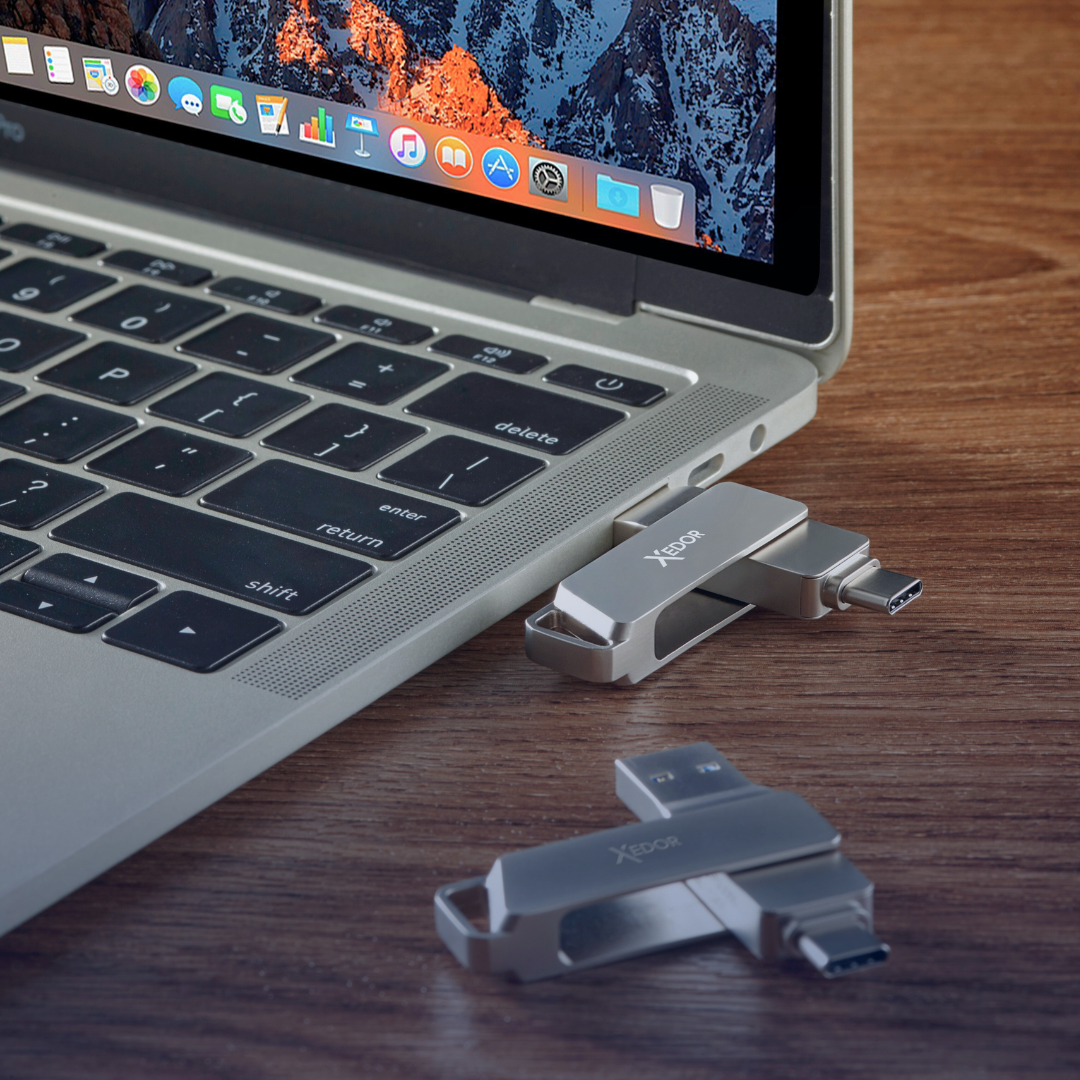
Want to transfer files quickly without the cloud or cables? Then a USB flash drive with both USB-C and USB-A is ideal. Plug it into your phone, transfer the photos, then turn it around for your laptop, PC, or TV.
The Xedor Base has both connectors and is available from 32 GB to 1 TB. View all USB flash drives with USB-C or read which storage capacity you need.
Charging via USB-C: how many watts do you need?
USB-C supports fast charging via USB Power Delivery. New phones and laptops are increasingly sold without a charger in the EU, so it is worth knowing what you need:
- Smartphone: a 20W charger is enough for most phones, such as the Xedor Charge 20W.
- Tablet, power bank, or lightweight laptop: choose 45W, such as the Xedor Charge 45W with two USB-C ports.
- Powerful laptop: often 65W or more; check the output of your original charger.
Also pay attention to the cable: a standard USB-C cable supports up to 60W. For more power, you need a cable that supports 5A.
Using old USB devices with new laptops
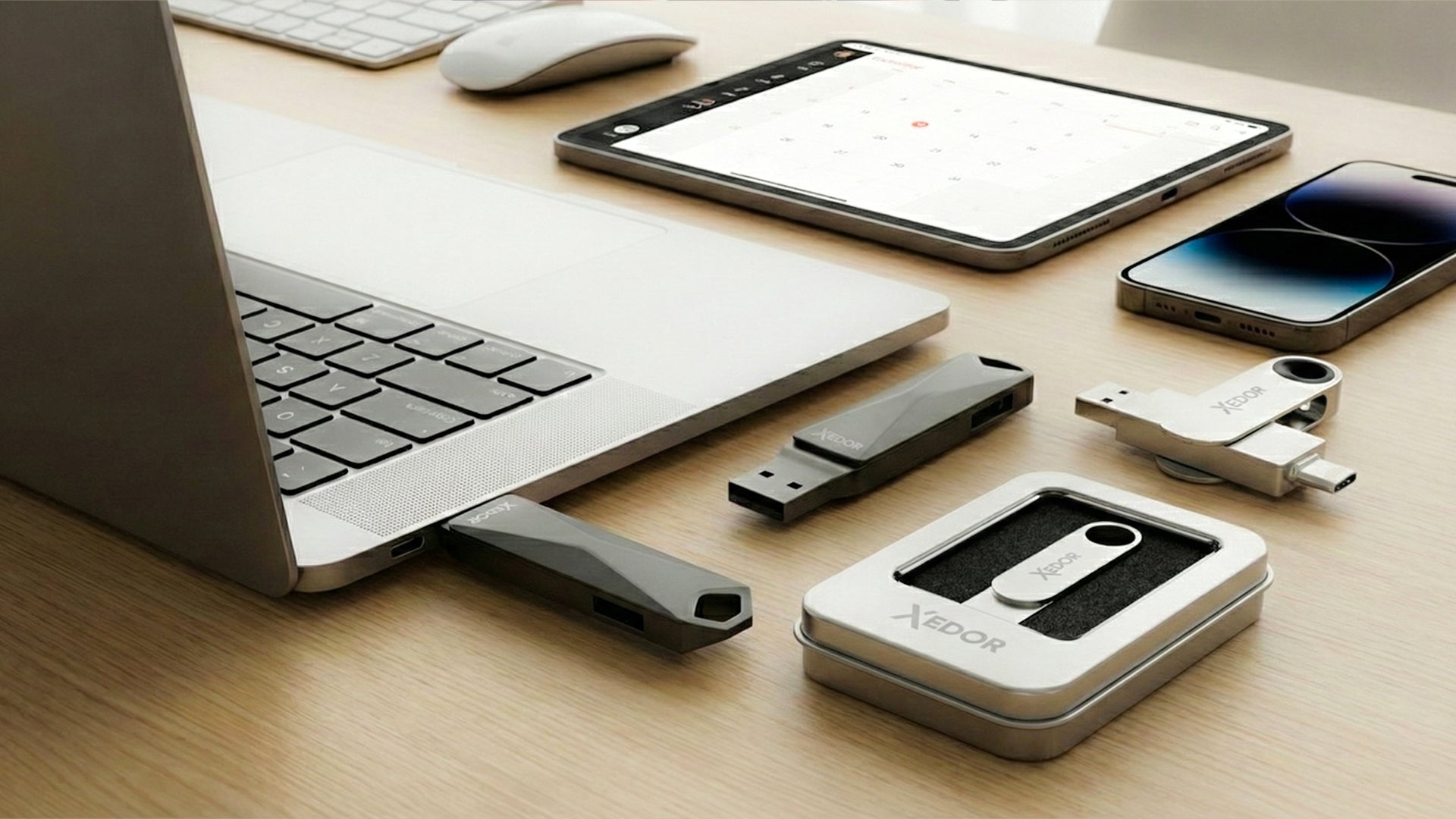
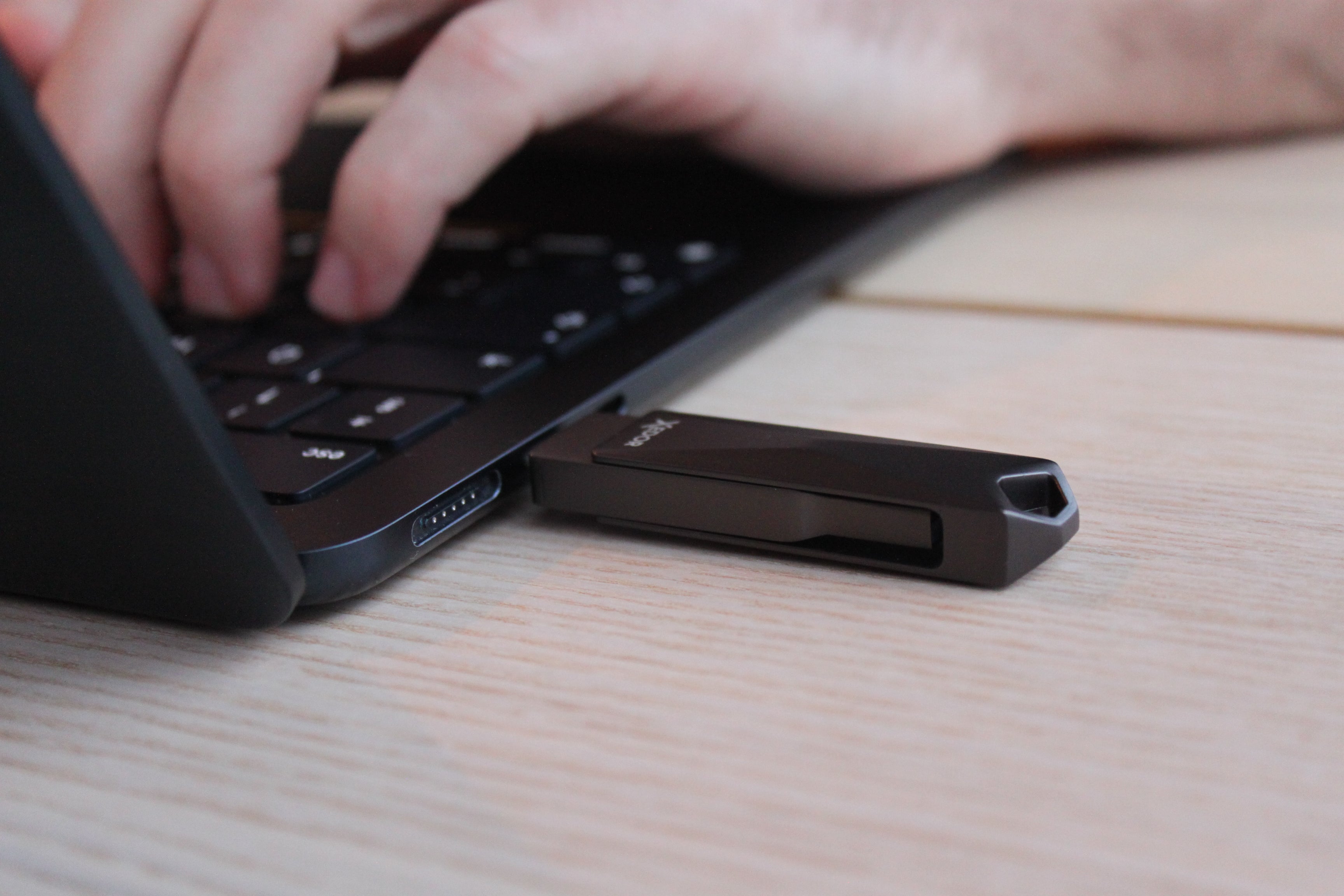
New laptops often only have USB-C ports. With a USB-C-to-USB-A adapter, you can easily connect USB flash drives, mice, keyboards, and charging cables. Check out our adapters and cables.
Audio via USB-C
Does your phone no longer have a headphone jack? Then you need a USB-C-to-AUX adapter with a built-in DAC. Not working? Read USB-C to AUX not working: the solutions or check out the Xedor Audio adapter.
Reading photos from an SD card
With a USB-C card reader, you can transfer photos from your camera or drone directly to your phone, tablet, or laptop. The Xedor Readex reads SD and microSD cards. Also read how to transfer photos from an SD card.
Working with multiple devices at the same time
Do you use multiple accessories at the same time, such as a monitor, mouse, network cable, and USB flash drive? Then a USB-C hub or docking station is the most practical choice. View our range of hubs and docks for home and office.
The essential USB-C setup
- Xedor Base USB flash drive: transfer files between phone and computer
- Xedor Charge 45W: phone, tablet, and lightweight laptop with one charger
- Xedor Readex: read SD and microSD cards
Common USB-C mistakes
- Assume that every USB-C cable is the same;
- use a cable that only charges for data or video;
- use a charger that is too weak for a laptop;
- use an adapter without a DAC for audio;
- expect USB-C to always work with older devices.
Frequently asked questions
Is USB-C the same as Thunderbolt?
No. Thunderbolt 3, 4, and 5 use the USB-C connector, but offer higher speeds and additional features. A Thunderbolt port also works with regular USB-C accessories, but the reverse is not always true.
Can I fast-charge with any USB-C cable?
A standard USB-C cable charges at up to 60W. That is enough for phones, tablets, and lightweight laptops. For 100W or more, you need a cable that supports 5A.
Does a USB-C drive work on an iPhone?
Yes, on the iPhone 15 and later. You open the drive through the Files app. For older iPhones with Lightning, you need a drive with a Lightning connector, such as the Xedor Flex.
Why won't my laptop charge via USB-C?
Not every USB-C port on a laptop supports charging, or the charger may not provide enough power. Use the port with the charging symbol and a charger with sufficient wattage.
Conclusion
USB-C is powerful and versatile, but only when you use the right accessories. With a good USB flash drive, fast charger, adapter, or hub, you can get the most out of your laptop, smartphone, or tablet without frustration. Not sure? Check the product specifications or our digital guides.
Share via:
Why the chip market is exploding due to AI demand (and what that means for data storage)